
Screenshots Became My Product Inventory
The September native screenshot pass turned empty states, review screens, settings, and iPad layouts into a concrete inventory of what each app owns.
On 2 September, the native app screenshot pass produced much more than a set of store images.
Carfolio had 35 documented states on each device. OneBite had 20. AbiFlow had 24. The useful part was the matrix behind those numbers: every image had a named screen, a device, and a reason to exist.
That changed how I read the apps. I could see the whole product instead of remembering whichever main screen I had most recently worked on.
A screen name is too broad
“Search is done” tells me very little.
OneBite's inventory separates a populated meal index, a query with no matching results, and an empty library. Carfolio distinguishes catalog search, a recognized-car review, and a recognition fallback. AbiFlow includes editors and settings alongside the main study screens.
Those are different situations for the user. They need different explanations, actions, and sometimes different layout behavior. Giving each state its own capture makes omissions visible.
The inventory also includes Free and Full states. A product can look coherent when every capability is enabled and fall apart when an ordinary user has fewer options. Both versions need intentional screens.
The iPad earns its own column
The capture documents record separate phone and iPad journeys, rather than one image resized for both.
That matters because more space does not automatically produce a better interface. Forms can become too wide, secondary actions can drift away from the content they affect, and a simple list can look oddly sparse.
An explicit device column gives those problems somewhere to be recorded. It also makes parity concrete: does the second device expose the same states and actions, even when the arrangement is different?
Use actual pixels and explain the data
The exported screenshots contain native app pixels with deterministic example data. They exclude Simulator chrome and private user records.
These two OneBite captures show the populated Today view and the empty-day view from that pass:
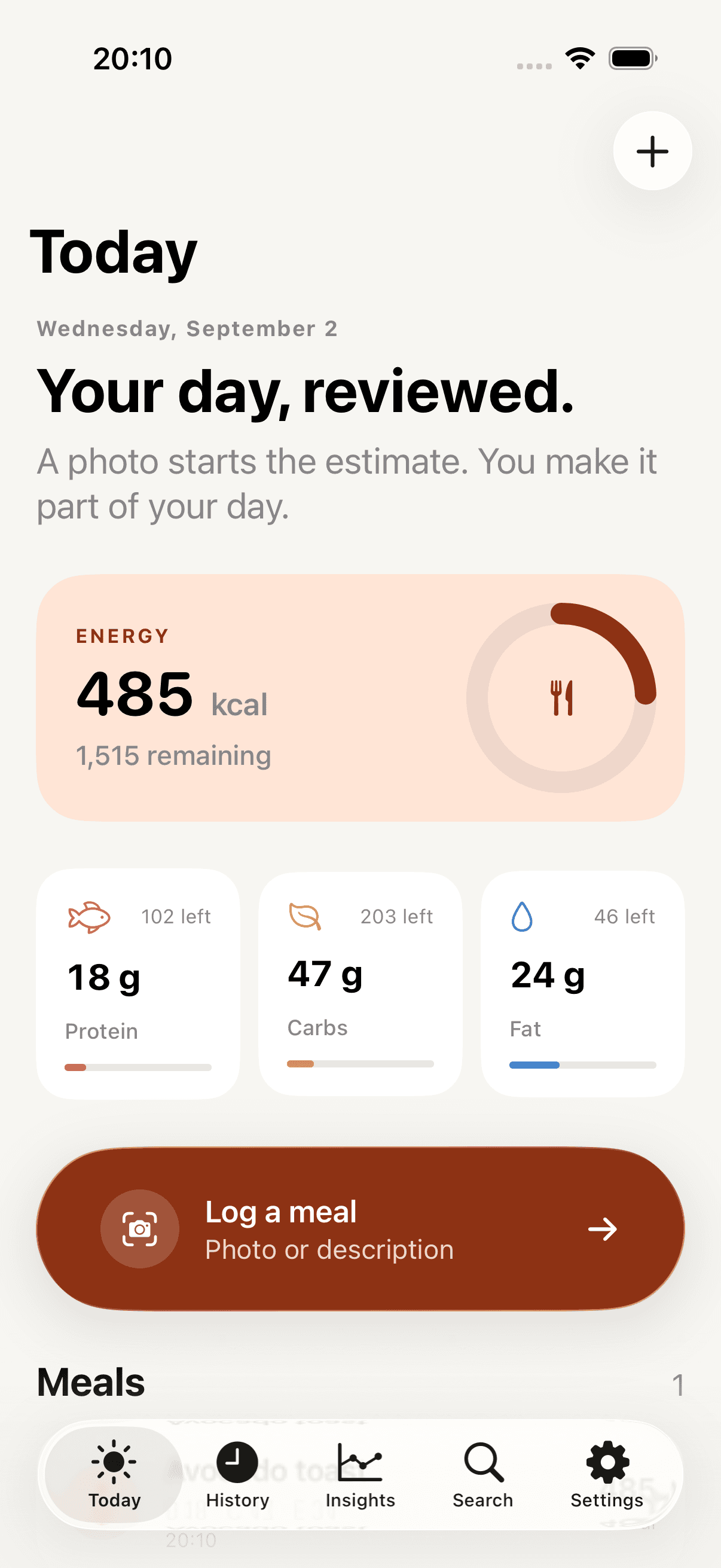
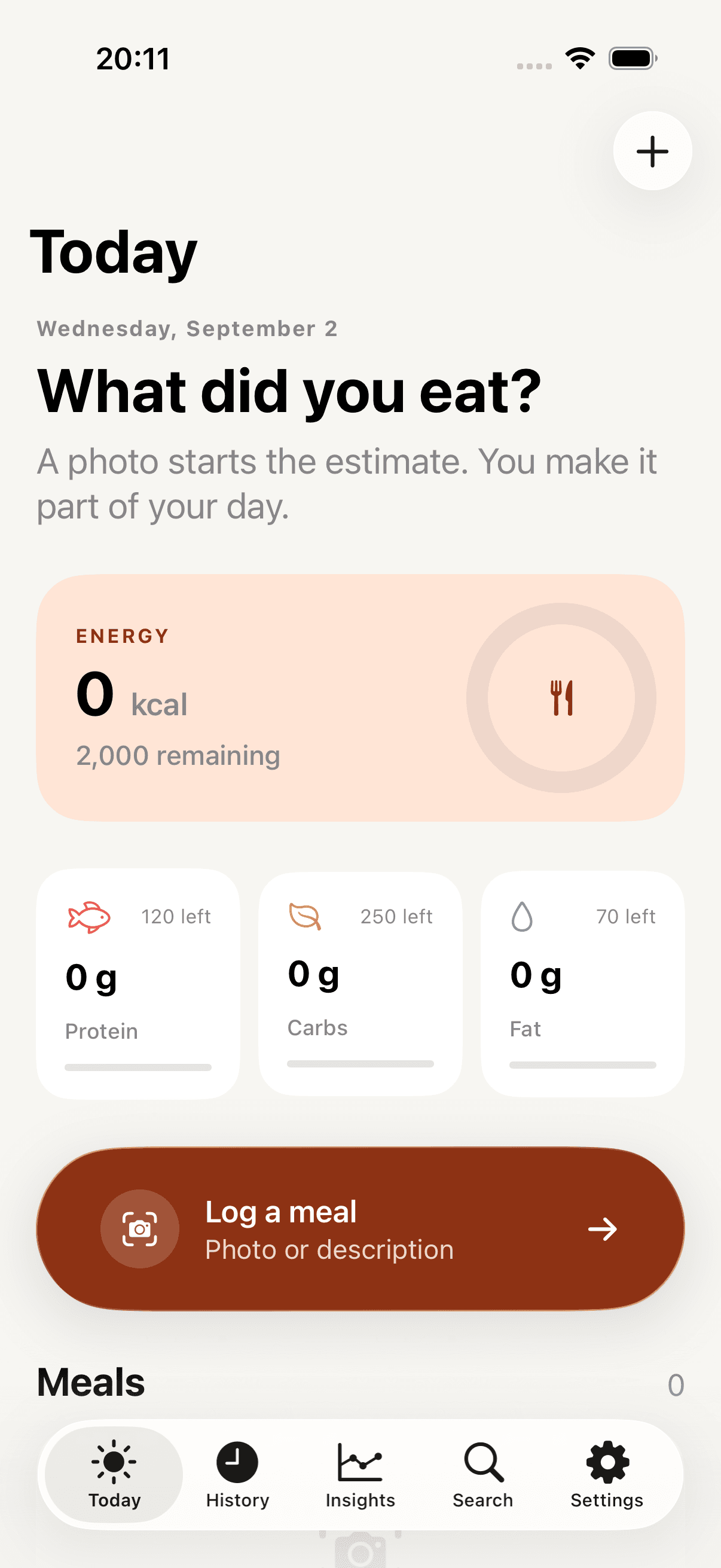
The images document app-owned UI states captured on 2 September. They do not demonstrate a real person's nutrition history or live model execution.
A visual inventory has a precise limit
OneBite's coverage document makes a useful distinction: the app's estimate review screen can be captured in Simulator, while actual Apple Intelligence execution requires an eligible device. The system camera has its own hardware requirement.
That distinction keeps the inventory useful. A screenshot can establish the layout of a state without establishing how a real sensor or model produced it.
I now see the screenshot matrix as a working design document. It tells me what to revisit after a change, what the marketing team can accurately show, and which parts still need another kind of verification. The store images are one output. The more durable output is a shared map of the product.